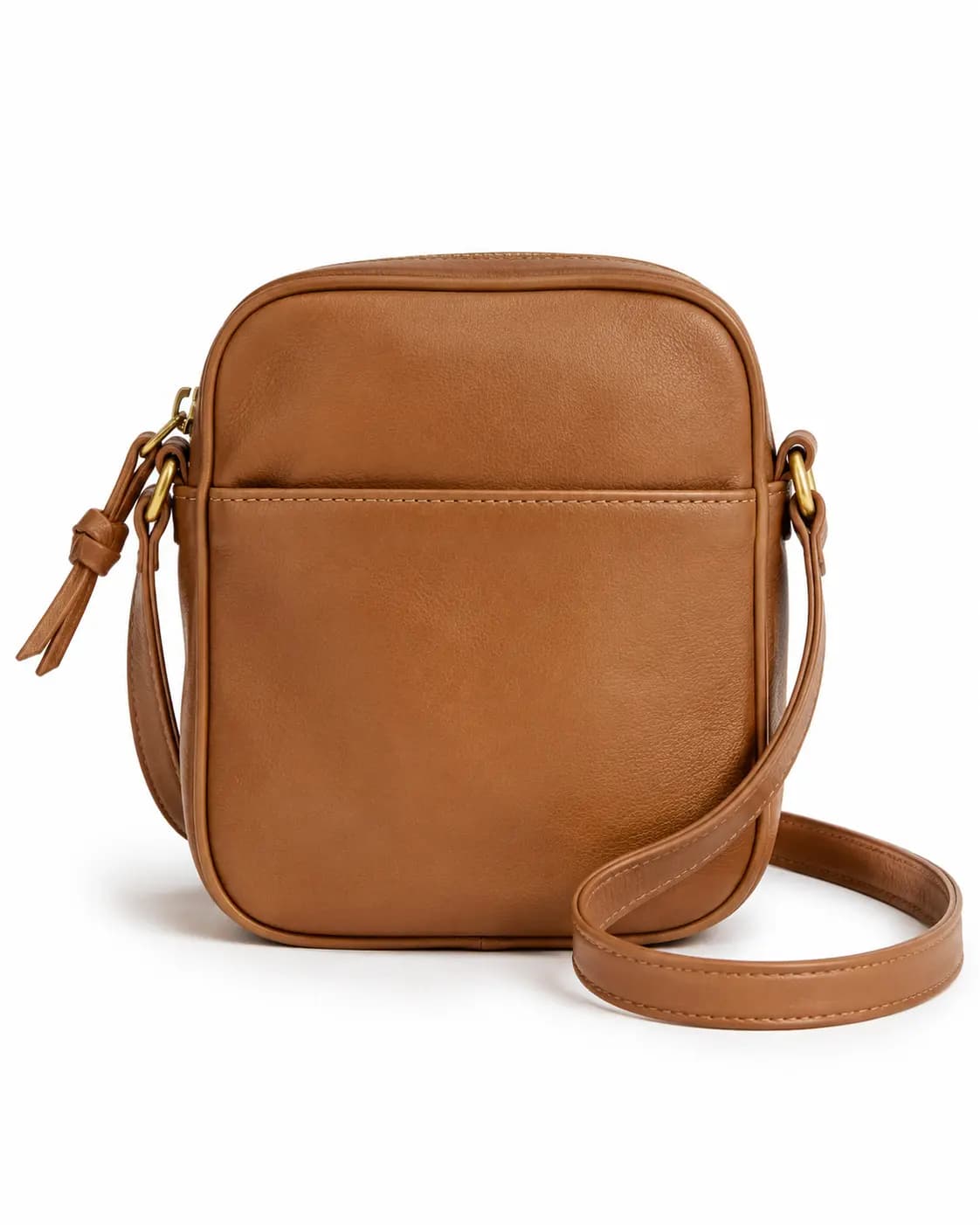
Clean marketplace
For cleaner, brighter listing images with clearer product separation and a more neutral storefront feel. Uses soft daylight and a neutral white direction.
For Etsy sellers
Turn one product shot into a cleaner Etsy listing image without changing the item itself. Upload a photo, choose a handmade or clean marketplace preset, add short direction for background, lighting, or crop, and download the result.

An Etsy product photo editor should make the item clear, centered, and easy to evaluate in search thumbnails. Luforge focuses on cleaning the scene around the product while preserving accurate color, material, scale, and condition cues for handmade, vintage, and small-shop listings.
Etsy workspace
Use a clear product photo, keep the item honest, and guide the background, lighting, and thumbnail crop for Etsy search results.
Upload a product photo, choose an Etsy-specific direction, and generate listing-ready image options.
Preset directions
Presets keep the AI photo editor specific to Etsy seller outcomes: clean marketplace photos, warm handmade scenes, and resale-friendly product shots.
For cleaner, brighter listing images with clearer product separation and a more neutral storefront feel. Uses soft daylight and a neutral white direction.
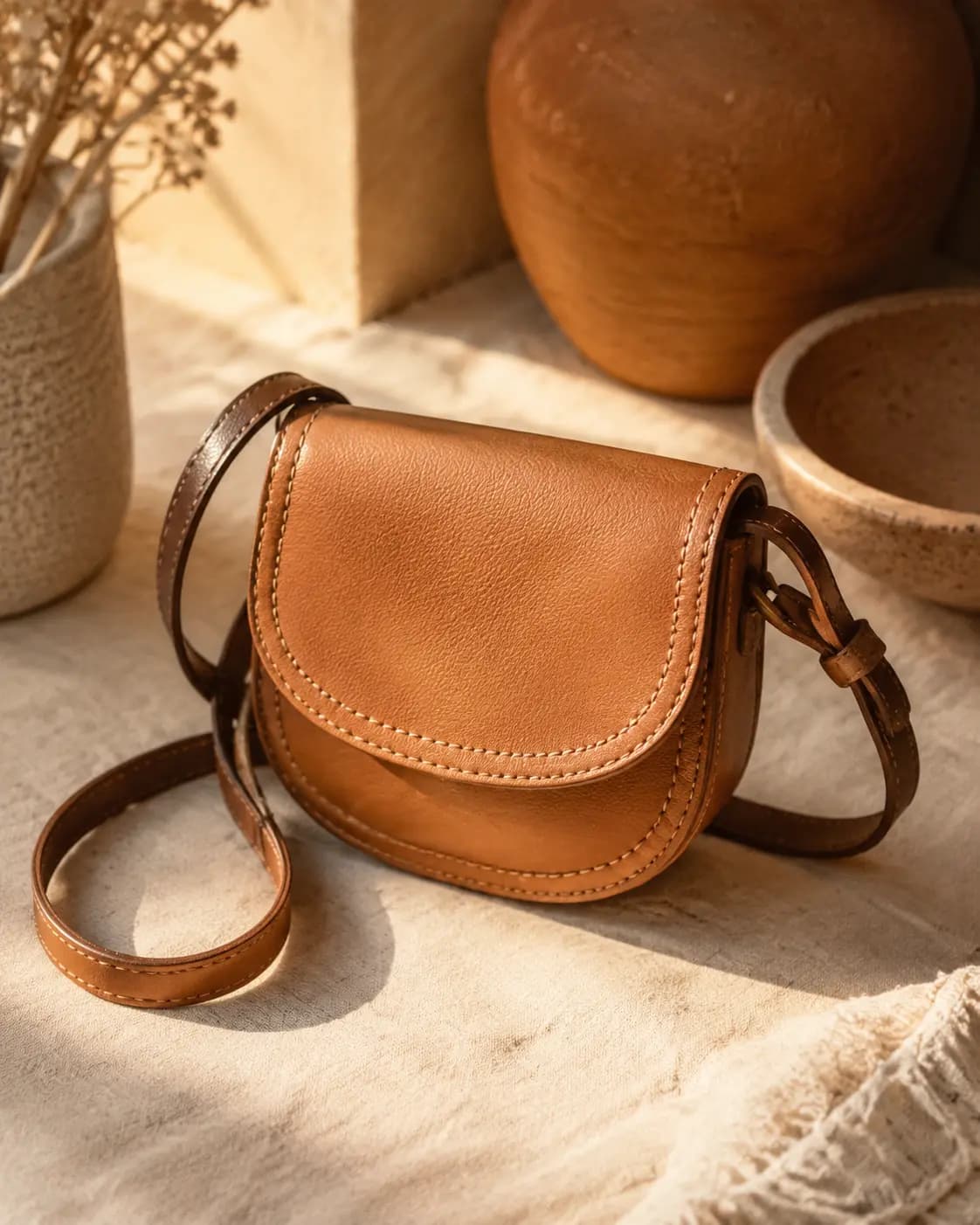
For warmer, more tactile product images that feel crafted, inviting, and still true to the original item. Uses warm window light and a soft clay and linen direction.
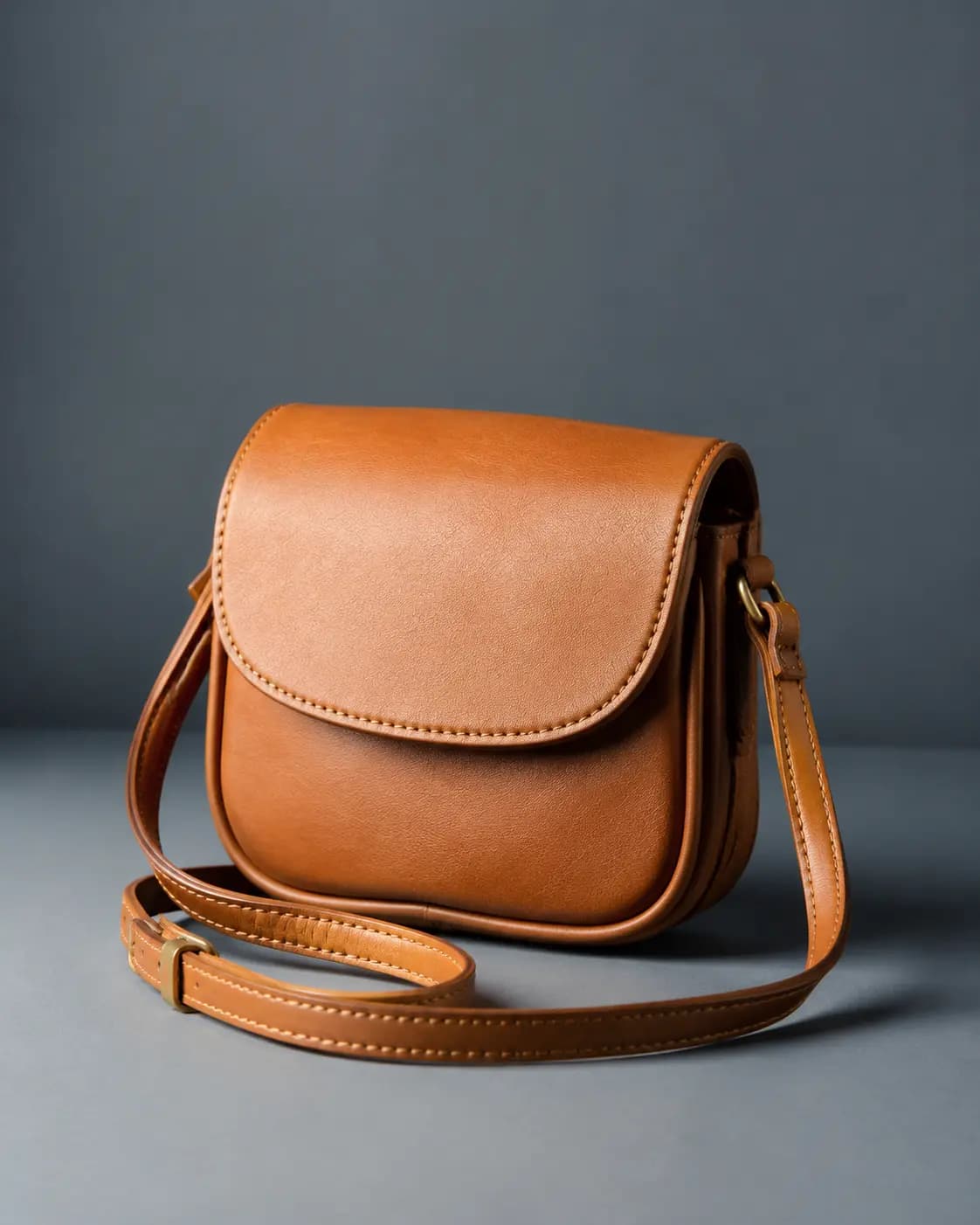
For stronger contrast, sharper structure, and a more premium resale-style presentation with extra visual punch. Uses crisp studio light and a graphite and blue direction.
Seller-focused editing
The workspace is shaped around Etsy product photos, clean backgrounds, handmade presentation, accurate item details, and thumbnail-safe framing instead of broad graphic design tasks.
Start with a phone photo, then guide the result toward a centered item, cleaner background, and less visual clutter.
Use warm craft-market direction for jewelry, candles, crochet, ceramics, prints, and giftable products that should still look real.
Keep product color, material, shape, scale, and visible condition honest while improving the scene around it.
Add concise notes for surface, lighting, shadows, crop safety, and buyer context without starting from a blank image prompt.
Before and after Etsy examples
These examples use realistic Etsy product types. Each pair keeps the full product visible while showing what changed between the source photo and the listing-ready result.
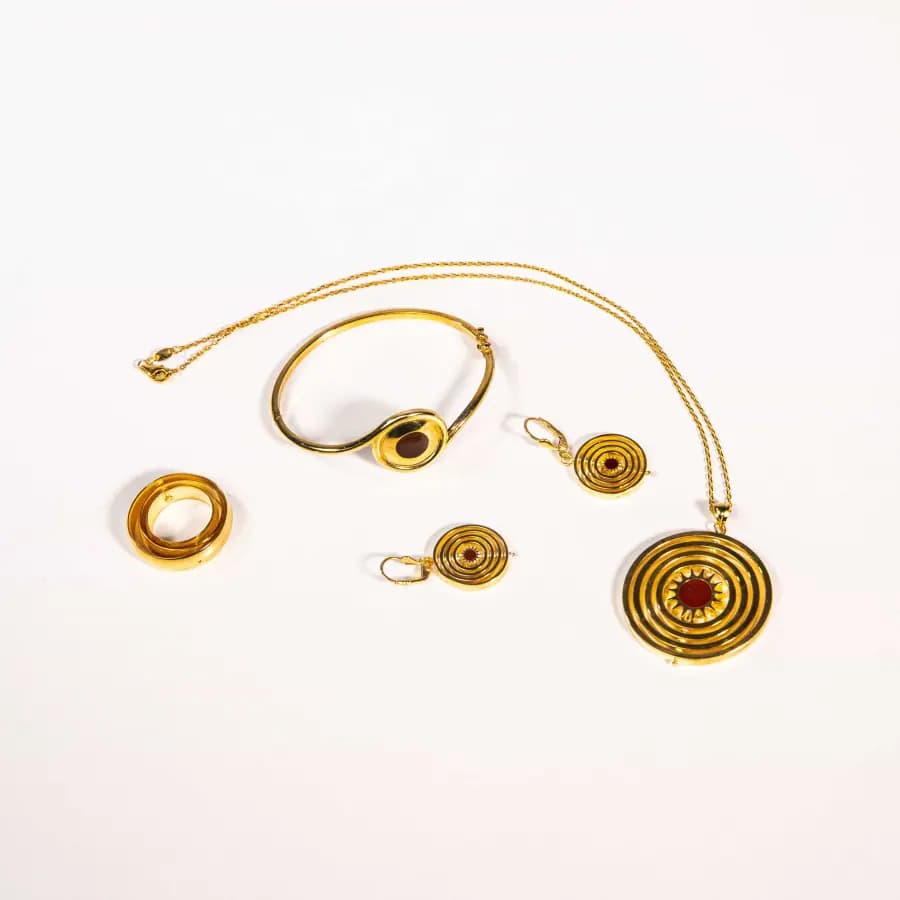 Before: complete source photo
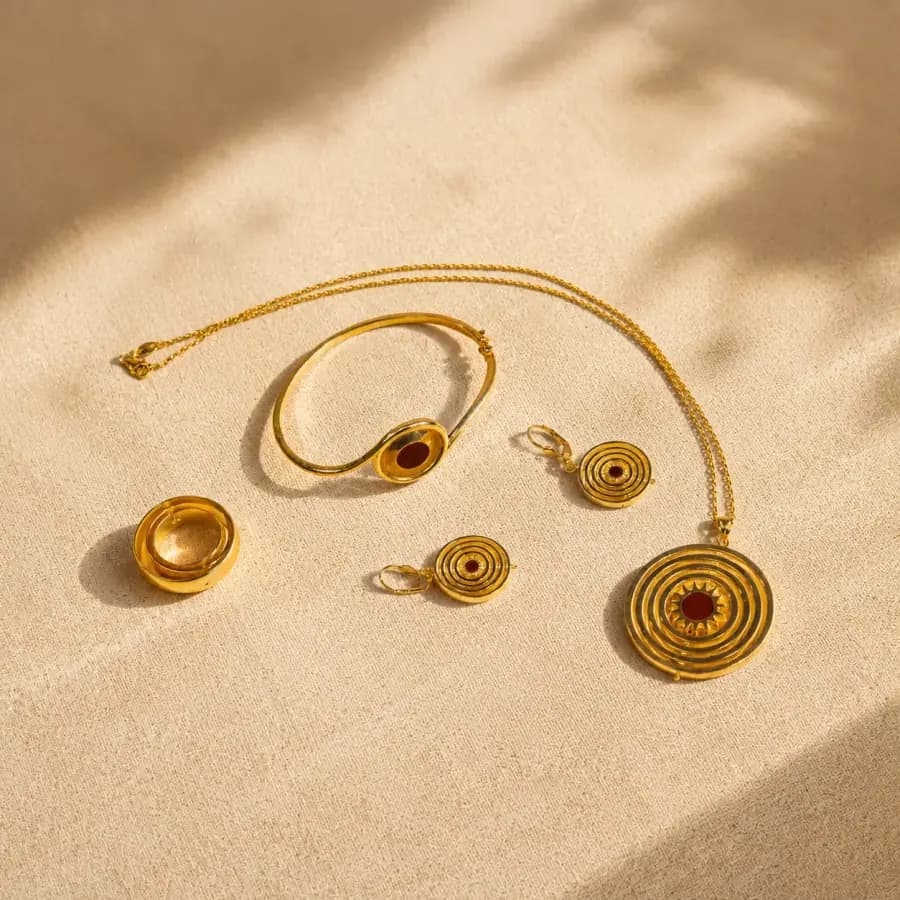 After: Etsy-ready listing photo
Necklace, earrings, and small gift sets
Jewelry photos need the full chain, clasp, pendant, and finish visible so shoppers can judge scale and detail.
 Before: bright room snapshot
 After: cleaner handmade product scene
Candles, wax melts, and home fragrance
Candle listing photos should show vessel shape, wax color, wick detail, and handmade texture without a busy room behind it.
Etsy photo notes
Etsy controls the final listing upload and thumbnail tools. Luforge only prepares a cleaner image for your seller workflow, so check the final image inside Etsy before publishing.
| Area | Etsy guidance | How to use Luforge |
|---|---|---|
| Resolution | Etsy Help recommends listing photos with width and height of at least 2000px or more. | Upload high-resolution source photos when possible; low-resolution inputs cannot be restored perfectly. |
| First photo crop | Etsy recommends a horizontal or square first listing photo, with the product centered for cropped thumbnails. | Ask for negative space around the item and check that the key product detail stays in the center. |
| File support | Etsy supports JPG, GIF, PNG, SVG, and HEIC shop images. This editor accepts JPG, PNG, and WebP uploads. | Convert unsupported files before upload, then export a clean listing image from the editor. |
| Color | Etsy notes that sRGB helps colors match what shoppers see on the site. | Avoid prompts that change product color, material, condition, or handmade details. |
Workflow
Listing copy pairing
The current editor exports images, not full listings. Use this sample to keep the visual direction aligned with factual title, description, and tag choices.
A clean product photo pairs best with specific listing copy: material, size, finish, gift use, and care details should stay factual.
Pricing
Each generated edit uses 2 credits. Pick the plan that matches how many listing images you need to clean up each month.
A focused monthly credit pack for cleaner photos, relighting, background edits, and quick variants.
For occasional image cleanup, background edits, and polished visuals.
More room for regular image editing, alternate versions, retries, and weekly creative work.
For creators and teams editing images every week.
The largest monthly credit pool for frequent edits, larger batches, product launches, and repeat workflows.
For high-volume image editing, launches, campaigns, and recurring batches.
New users can still start with 4 free daily credits before subscribing.
FAQ
Yes. You get 4 free credits in this editor. Each generated edit uses 2 credits.
Yes. The page is shaped around Etsy product photo editing: listing thumbnails, clean backgrounds, handmade scenes, crop safety, and accurate product details.
No. Better photos can help presentation, but ranking and conversion also depend on demand, price, reviews, shipping, keywords, and shop trust.
No. Keep product color, materials, condition, scale, and defects honest. The safest use is cleaner background and lighting direction.
Last updated: June 16, 2026.